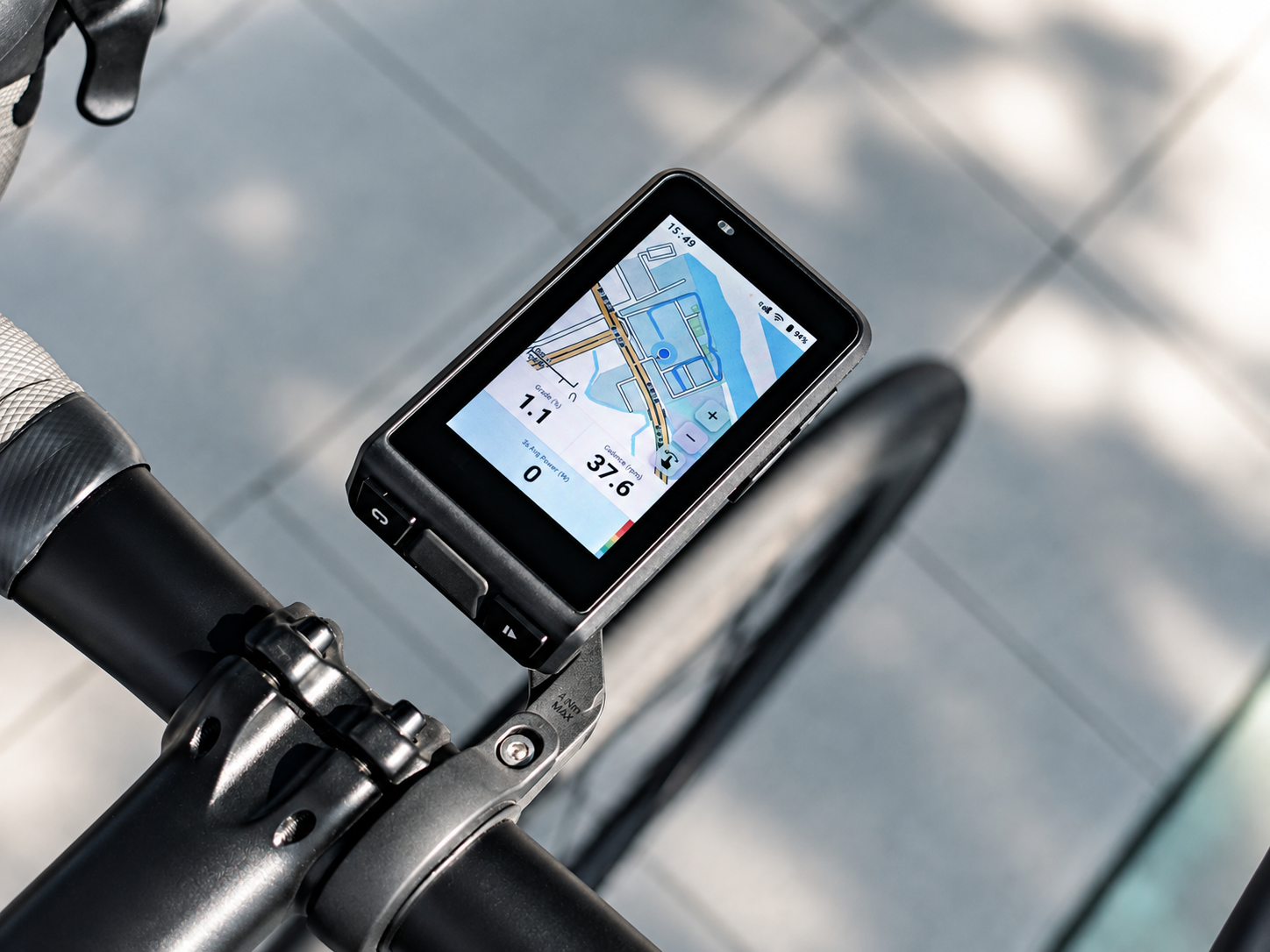
POWER METER: What to do if firmware upgrade fails?
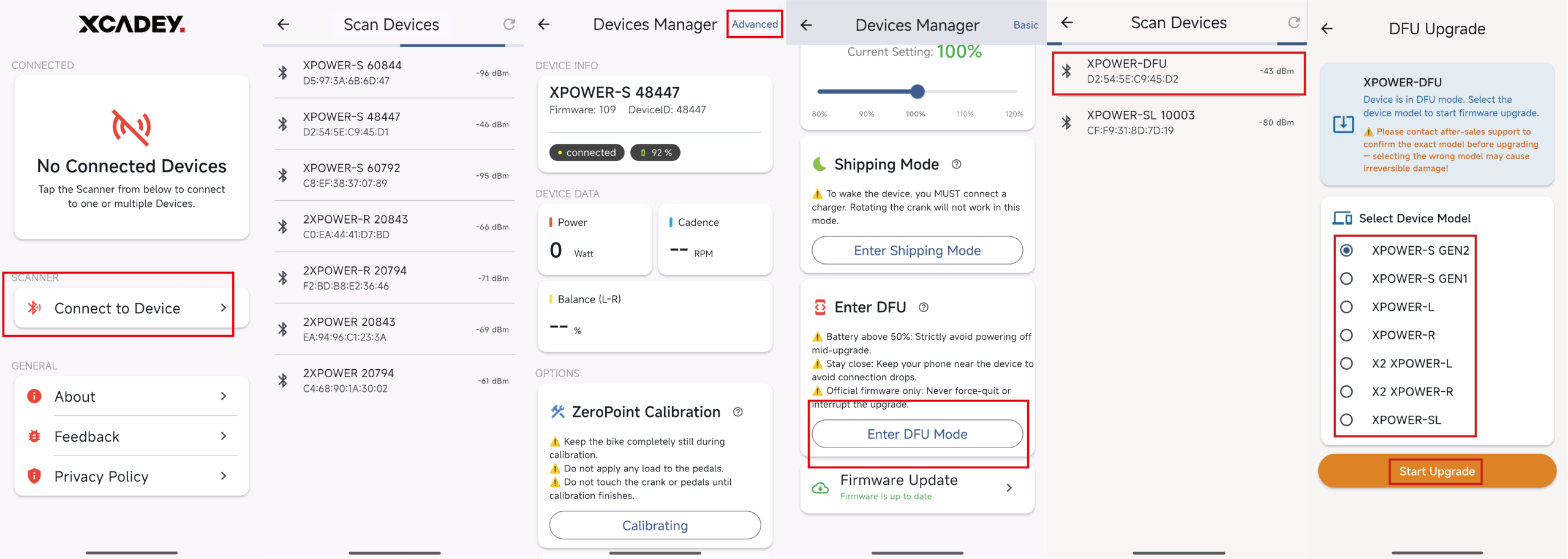
① Open the XCADEY APP
② Connect the power meter spider
③ On the Device Manager page, select “Advanced” in the top-right corner
④ Enter the DFU Mode page
⑤ Reconnect to the power meter spider named “XPOWER-DFU”
⑥ Select the correct model:
Gen 1 spider: XPOWER-S GEN1
Gen 2 spider: XPOWER-S GEN2
|
Model |
Firmware version |
Calibration |
latest version |
Calibration |
|---|---|---|---|---|
|
Power Meter Spider Gen1 |
38 |
100±100 |
/ |
/ |
|
Power Meter Spider Gen2 |
40/41 |
600±200 |
109 |
6000±3000 |
|
Power Meter Crank Arm Single-side |
39 |
1000±100 |
109 |
10000±1000 |
|
Power Meter Crank Arm Dual-side |
34 |
1000±100 |
/ |
/ |