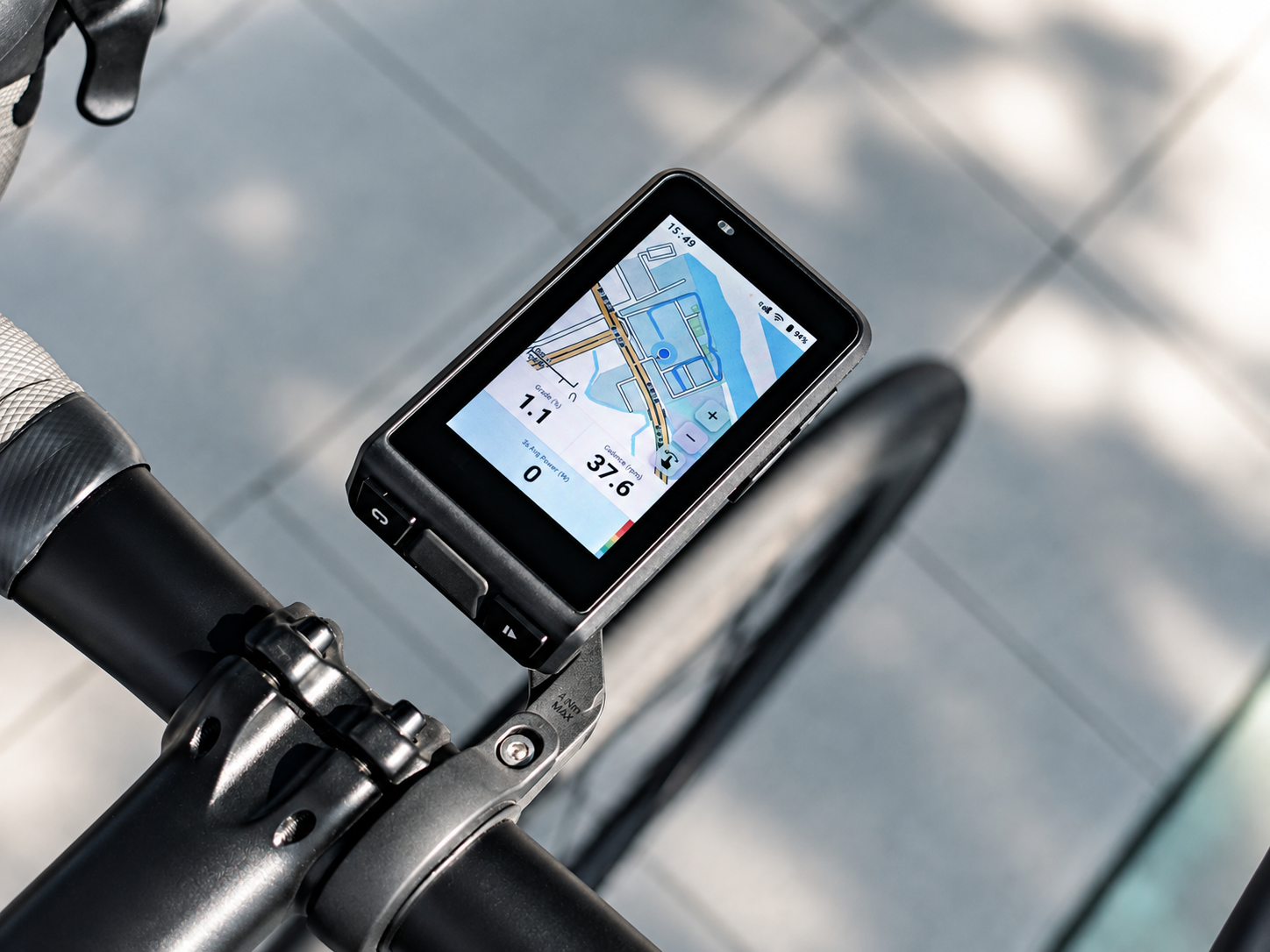
YOUR BIKE
COMPUTER.
CONNECTED.
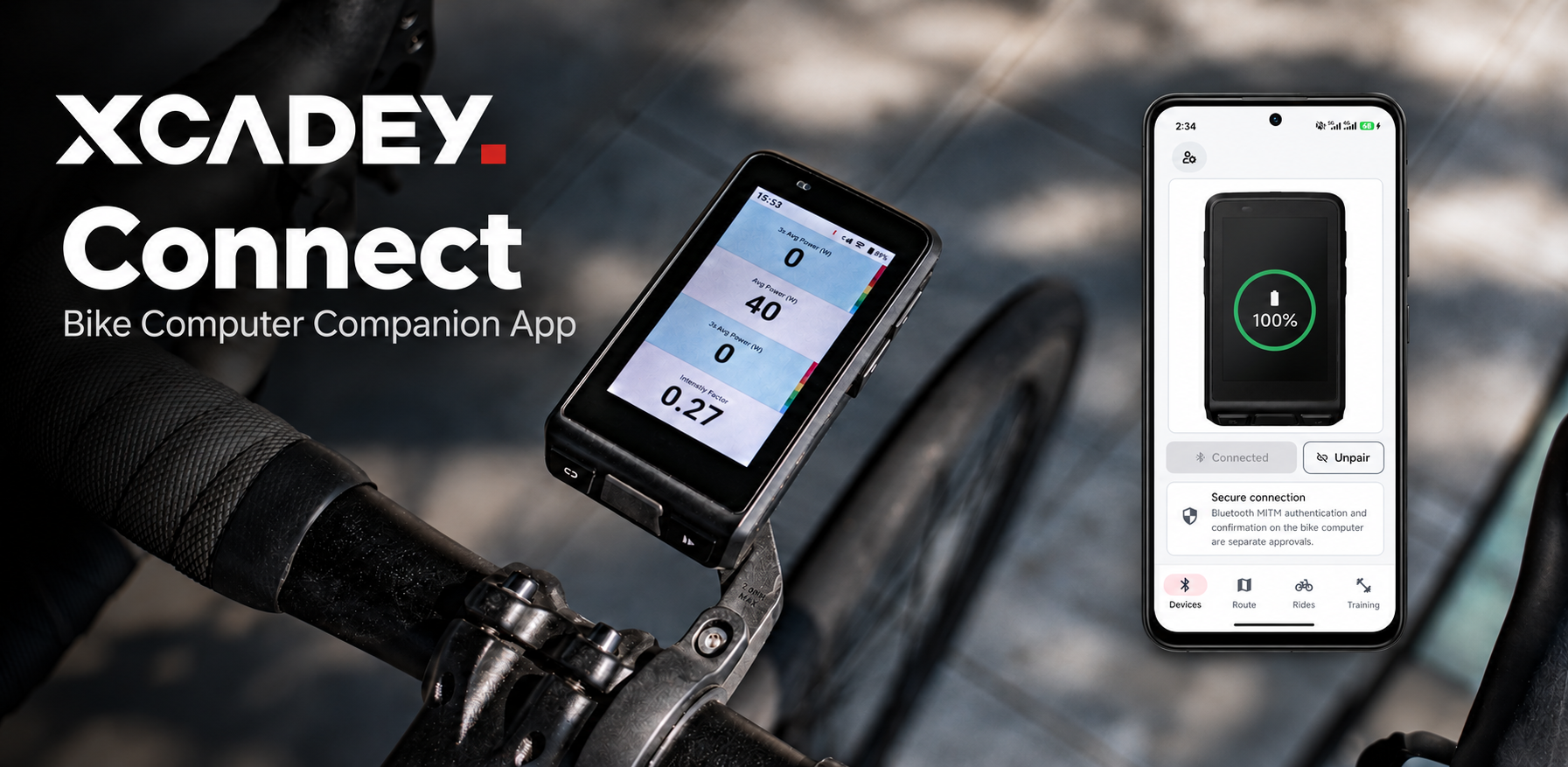
Bring your bike computer, ride records, routes and training plans together with XCADEY Connect.
Designed for compatible XCADEY bike computers. Compatibility varies by device and software version.
More time riding.
Everything
in one place.
XCADEY Connect helps you manage compatible XCADEY bike computers and keep your cycling information organized — all from one place.
Your device,
within reach.
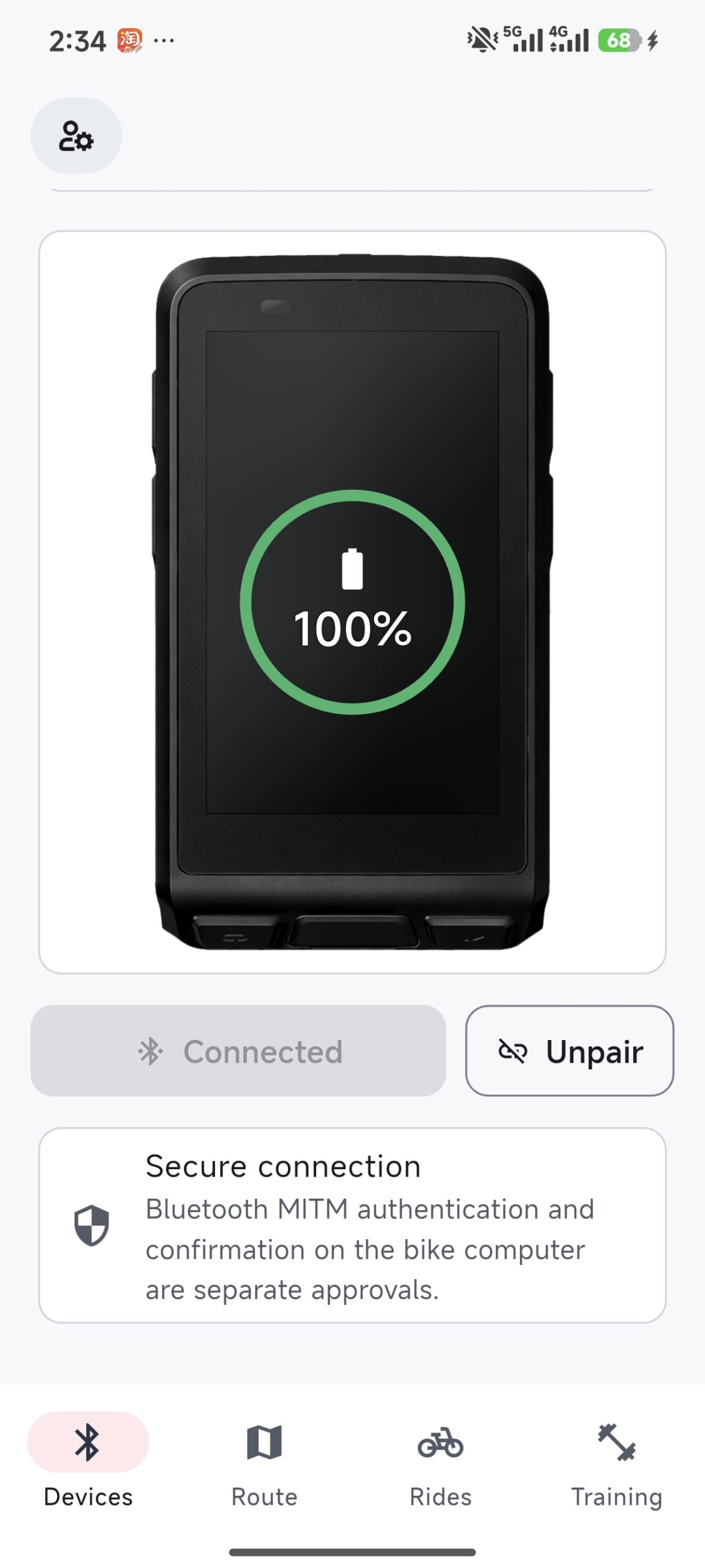
Pair and manage your compatible XCADEY bike computer.
Keep your
ride records.
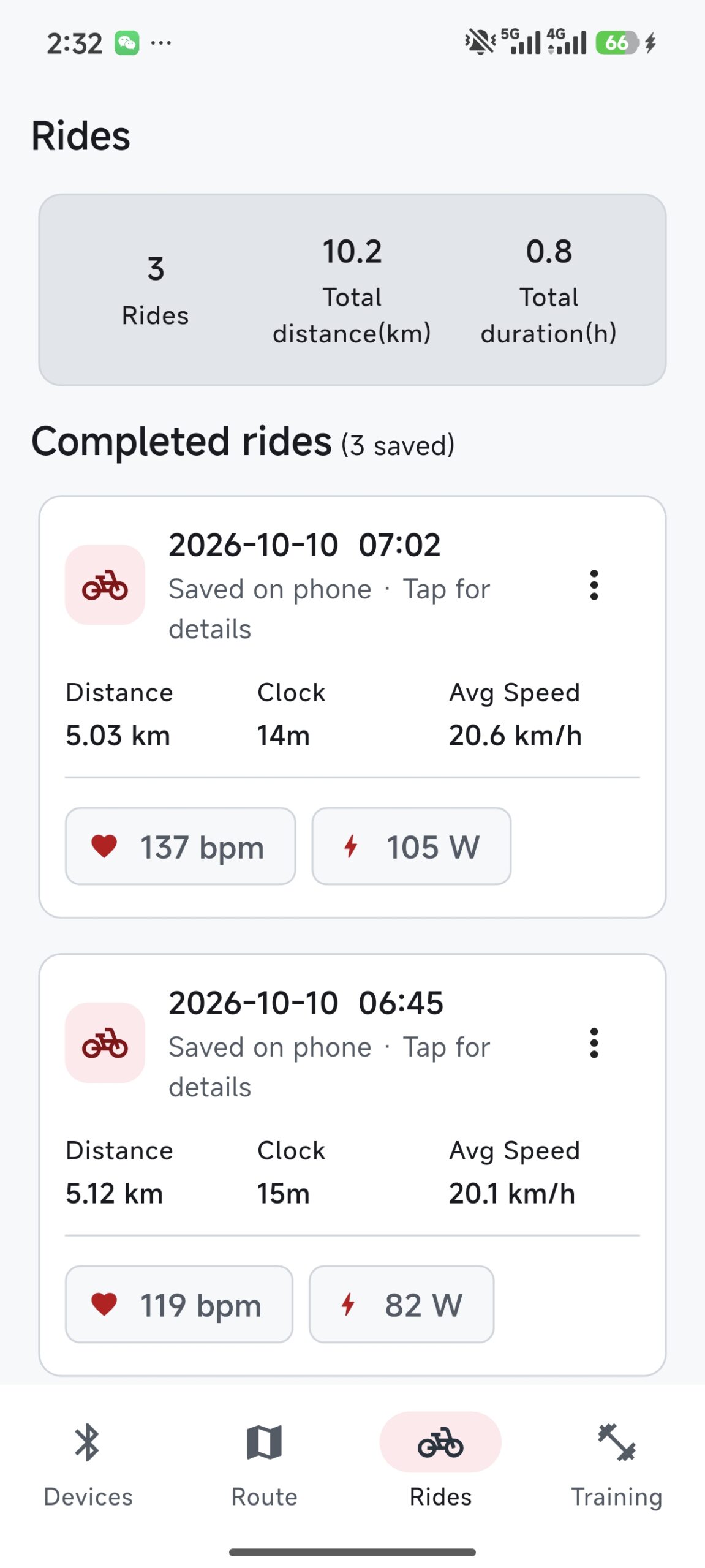
Organize recorded rides and review your available cycling data.
Plan what
comes next.
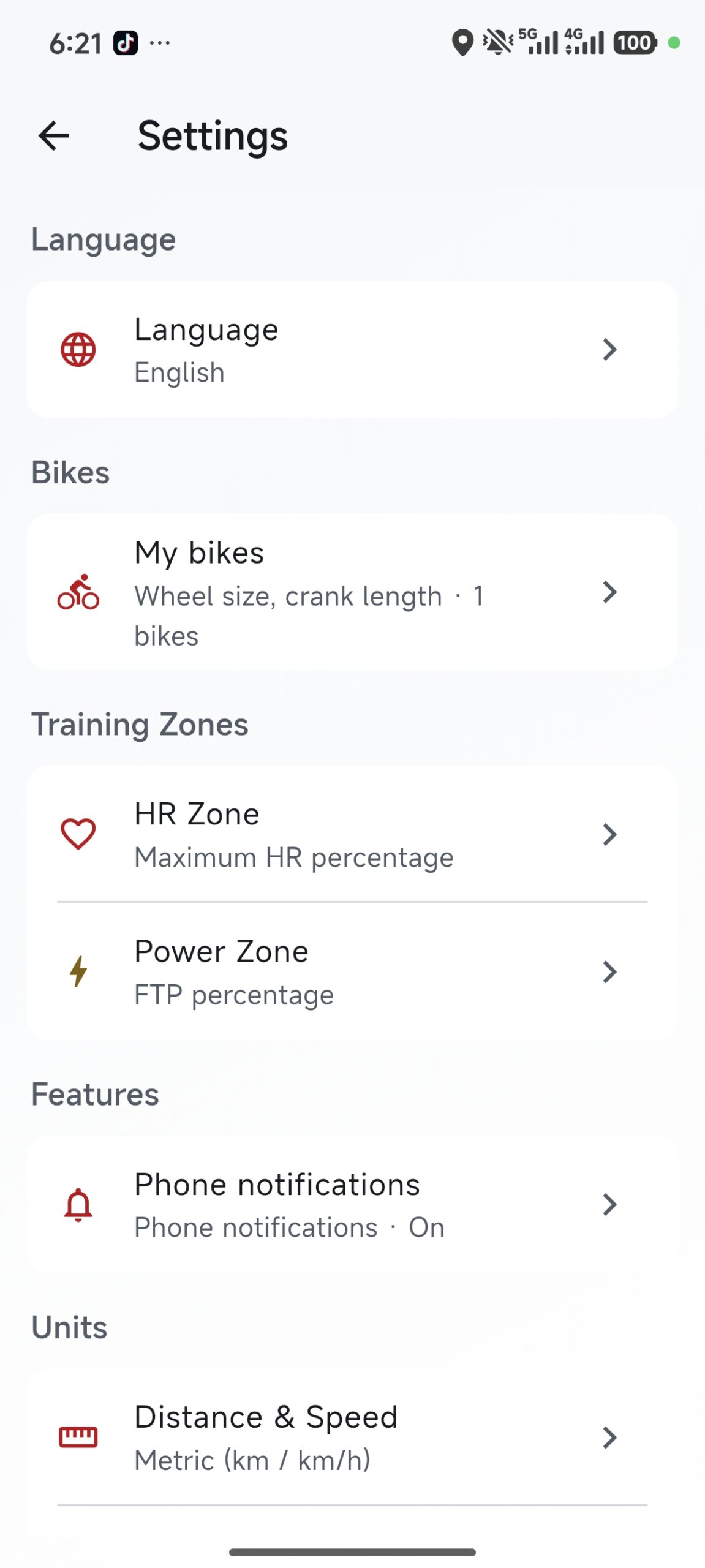
Manage routes and training plans before your next ride.
Bring your
data together.
Keep your cycling information associated with your account.
Built around
your ride.
Discover how XCADEY Connect brings your bike computer, ride records, routes and training plans together.
Your device,
within reach.
Pair a compatible XCADEY bike computer over Bluetooth and manage its connection from your phone.
Keep your
ride records.
Organize your recorded rides and review the cycling data available in each activity.
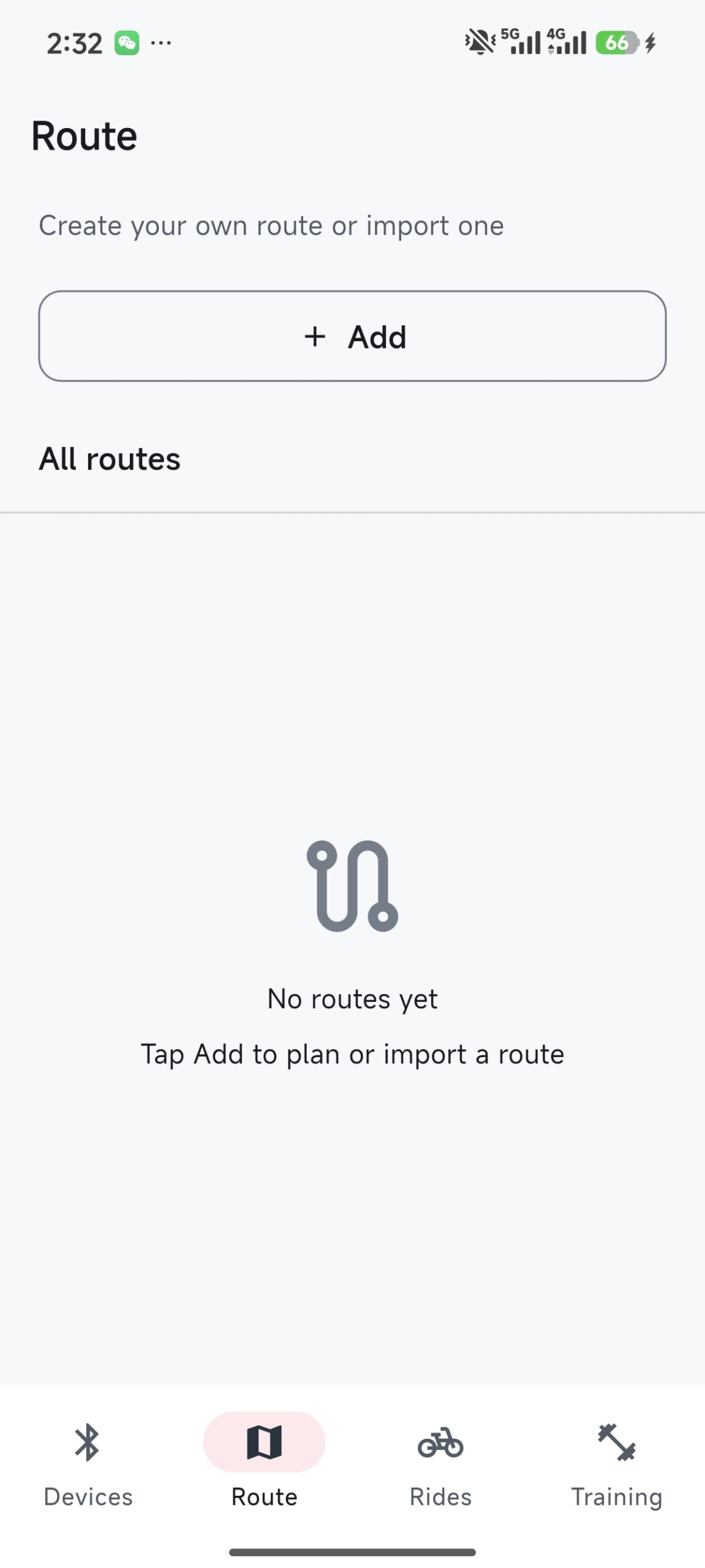
Plan what
comes next.
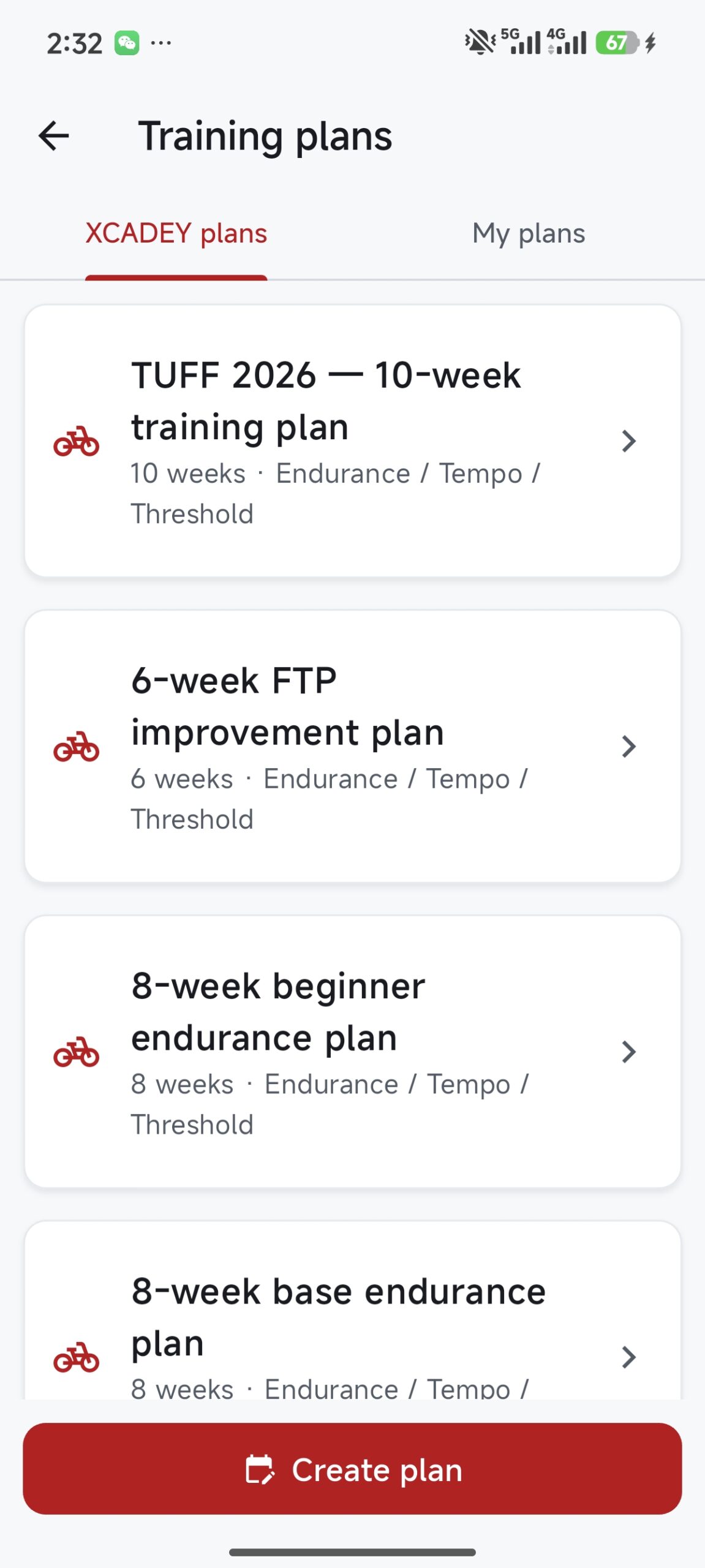
Manage routes and training plans so your next ride starts with a plan.
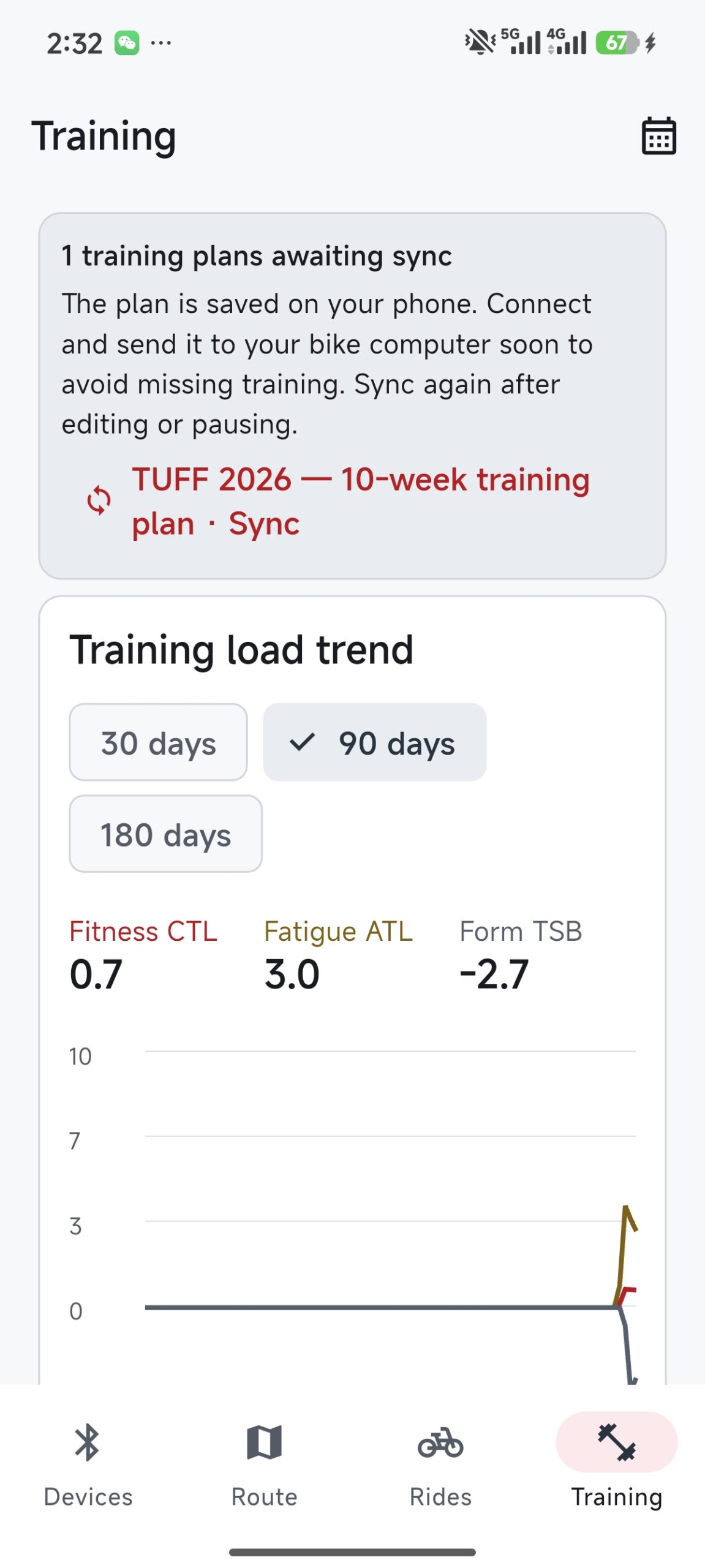
Bring your
data together.
Sign in to synchronize your profile, ride records, routes and training plans with your account.
XCADEY CONNECT · BIKE COMPUTER APP
Get XCADEY Connect.
Choose the right version for your phone and keep your XCADEY bike computer experience connected.


Official store links can be added in the HTML configuration. The buttons will remain inactive until then.
Need help with compatibility? Contact XCADEY Support ↗
Find the right
XCADEY app.
XCADEY offers dedicated apps for different cycling products. Choose the app that matches your device.
XCADEY Connect
Designed for compatible XCADEY bike computers. Connect your device, review ride records, manage routes and training plans, and keep your cycling data together.
GET XCADEY CONNECT →
XCADEY App
Looking for the app used with your XCADEY power meter? Use the separate XCADEY App to access power meter-related functions and settings.
POWER METER APP DOWNLOAD ↗ALPHA 800 / SOFTWARE EVOLUTION
Built to Evolve.
Every update is a step forward. Follow the evolution of ALPHA 800, shaped by real-world riding experiences and continuous software improvements.
Software v3.1.2
Build 261015 · 52832 Firmware v1.0.9
What’s Improved
Sensor Connectivity
Sensor Management
Map Orientation
GPS Distance Recording
Ride History
Tire Size Support
EXPLORE RELEASE NOTES
What’s New in v3.1.2
Supports up to 8 ANT+ sensors and 3 BLE sensors connected simultaneously.
A refreshed interface makes sensor connection and management more intuitive.
Switch between Track Up and North Up map orientations during navigation.
Addressed an issue where weak GPS signals could result in recorded riding distances being significantly shorter than expected.
Refined the ride history interface for a cleaner and more organized viewing experience.
Added 700×40C, 700×42C, and 700×50C tire sizes.
More improvements ahead.
The journey continues. Explore our software update history for additional releases and improvements.
Ride together.
Stay connected.
Join the XCADEY community on Discord. Connect with fellow riders, share your experience, discuss features and help shape what’s next.
JOIN OUR DISCORD ↗
Your account.
Your control.
Find essential account information, understand how XCADEY Connect handles personal data, and review the policies that apply to your app experience.
Account Access
Sign in to access your account and supported app features.
Connected Experience
Keep supported app functions and account features connected.
Privacy & Transparency
Review privacy information, data handling and applicable terms.
Need a hand?
We’re here.
Need help getting started with XCADEY Connect? Explore our Help Center for guides and answers, or contact the XCADEY team for support.
Built for your ride.