XCADEY BIKE COMPUTER: HOW DO I EXPORT RIDE DATA?
Connect the bike computer to a PC. In “Ride History”, select the ride record you want to export, then locate the corresponding FIT file in the activities folder and copy it to your computer.
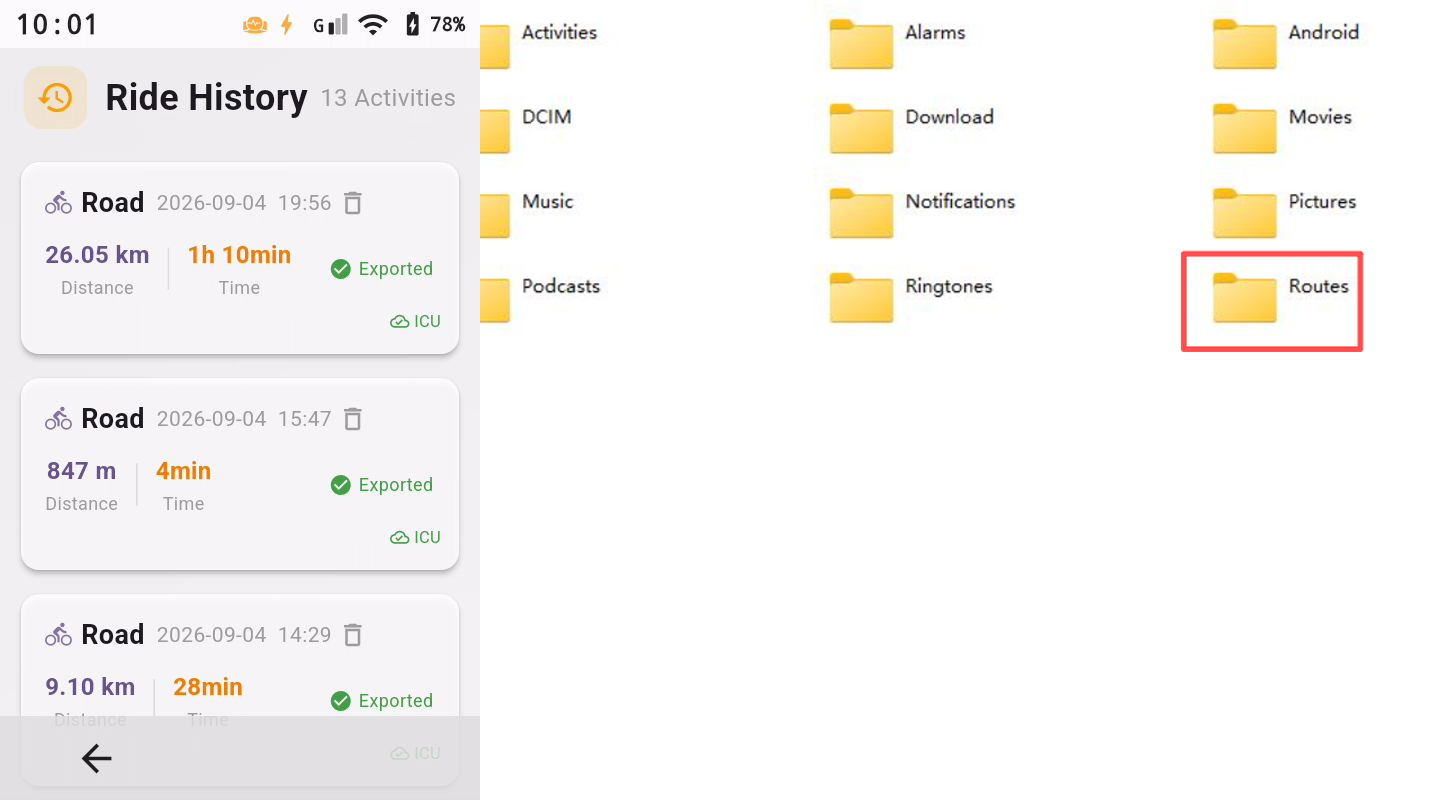
Connect the bike computer to a PC. In “Ride History”, select the ride record you want to export, then locate the corresponding FIT file in the activities folder and copy it to your computer.
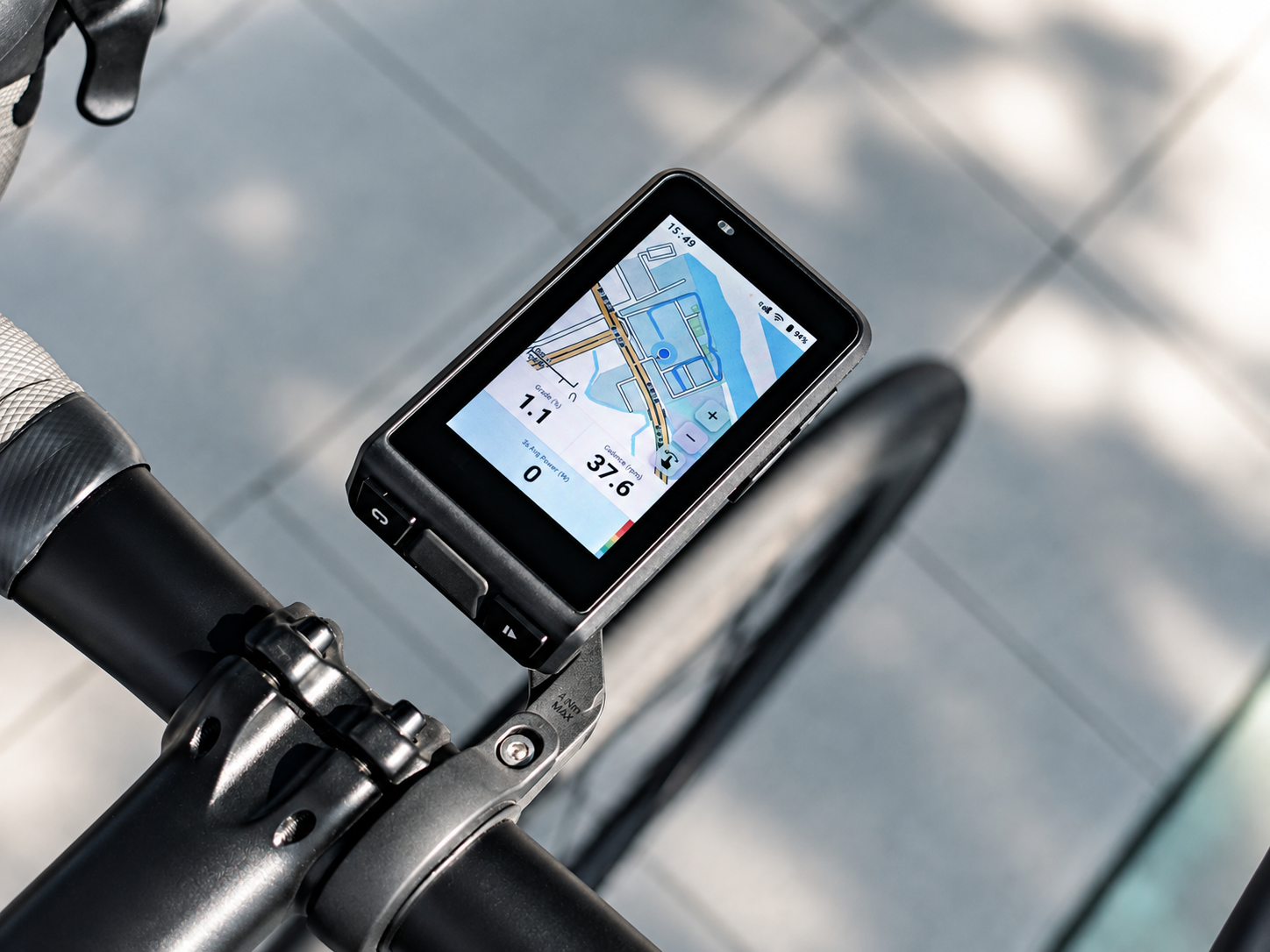
Discover ALPHA 800 and join the list to secure the best launch price.
DISCOVER ALPHA 800 →Best launch price · Early updates · Be first to know