XCADEY BIKE COMPUTER: HOW DO I CUSTOMIZE RIDE DATA PAGES?
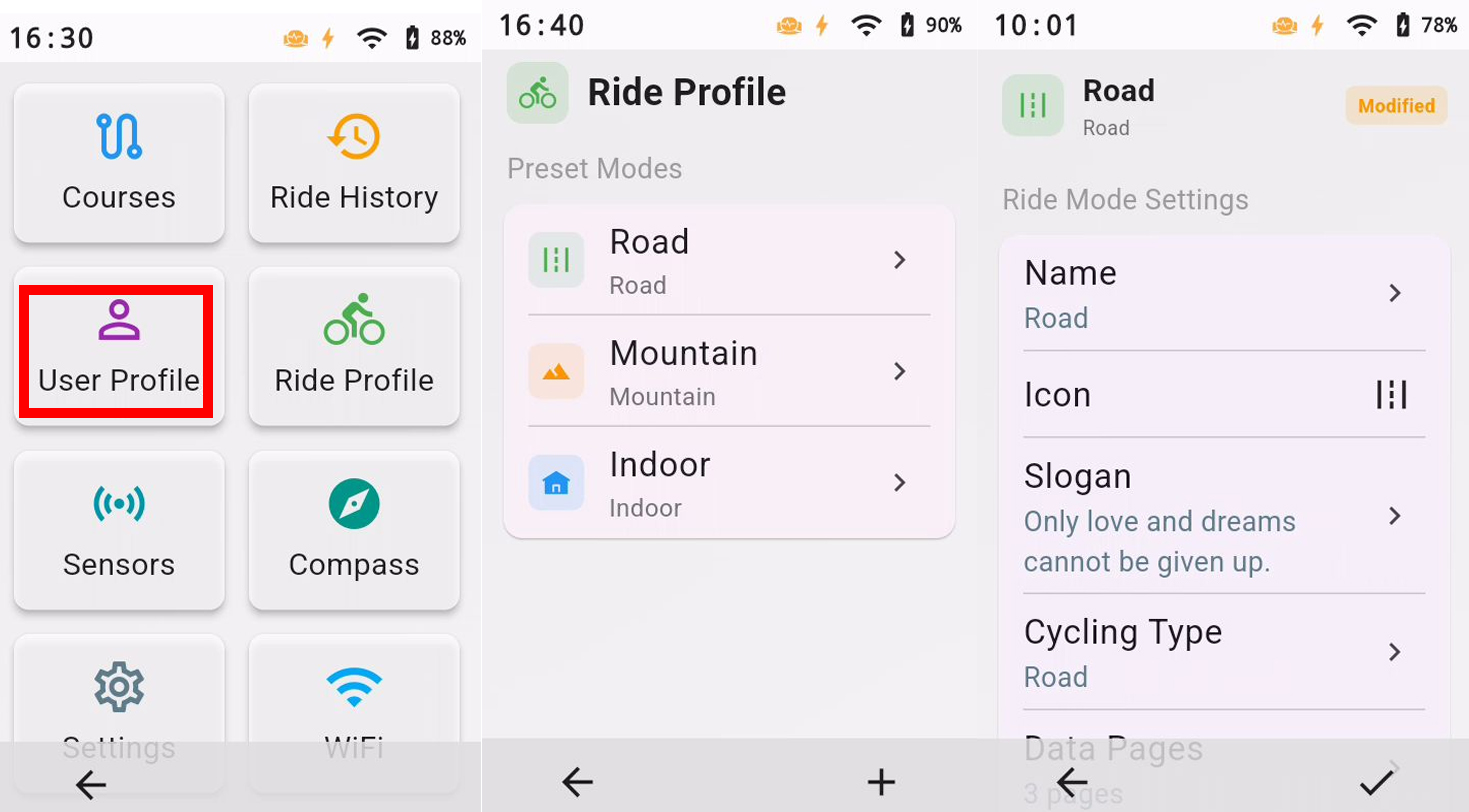
Go to “Ride Profile”, select the ride mode you want to configure, then open “Ride Mode Settings” to edit the page layout and data fields. During a ride, if you want to change a data field, press and hold the corresponding field and select a new data type from the data categories that appear. Changes to the page layout are saved automatically for future rides.