XCADEY BIKE COMPUTER: HOW DO I UPDATE THE ALPHA 800 FIRMWARE?
Go to “Settings” > “Software Update” and tap “Check for Updates”. If a new version is available, follow the on-screen instructions to download and install it.
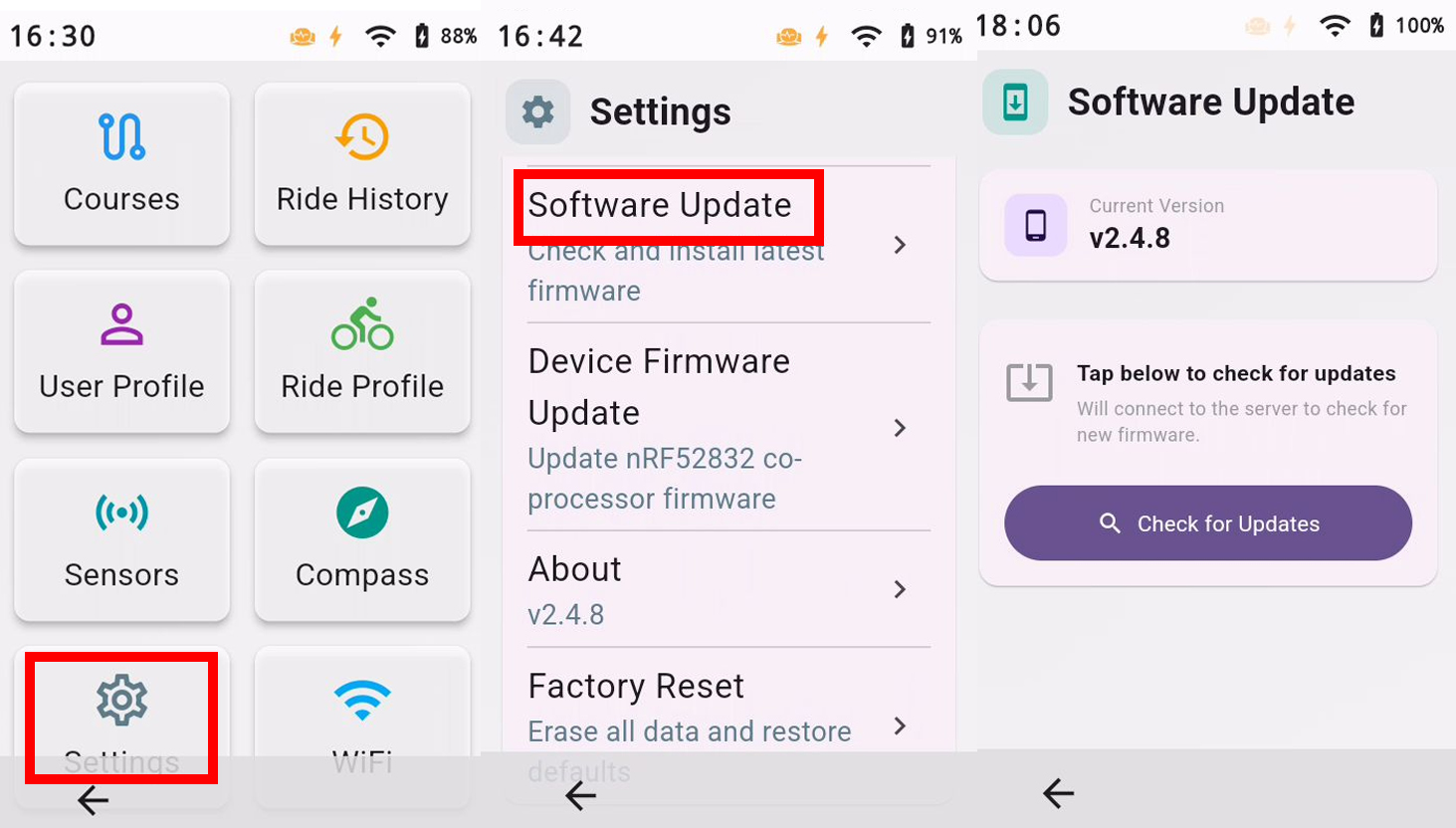
Go to “Settings” > “Software Update” and tap “Check for Updates”. If a new version is available, follow the on-screen instructions to download and install it.
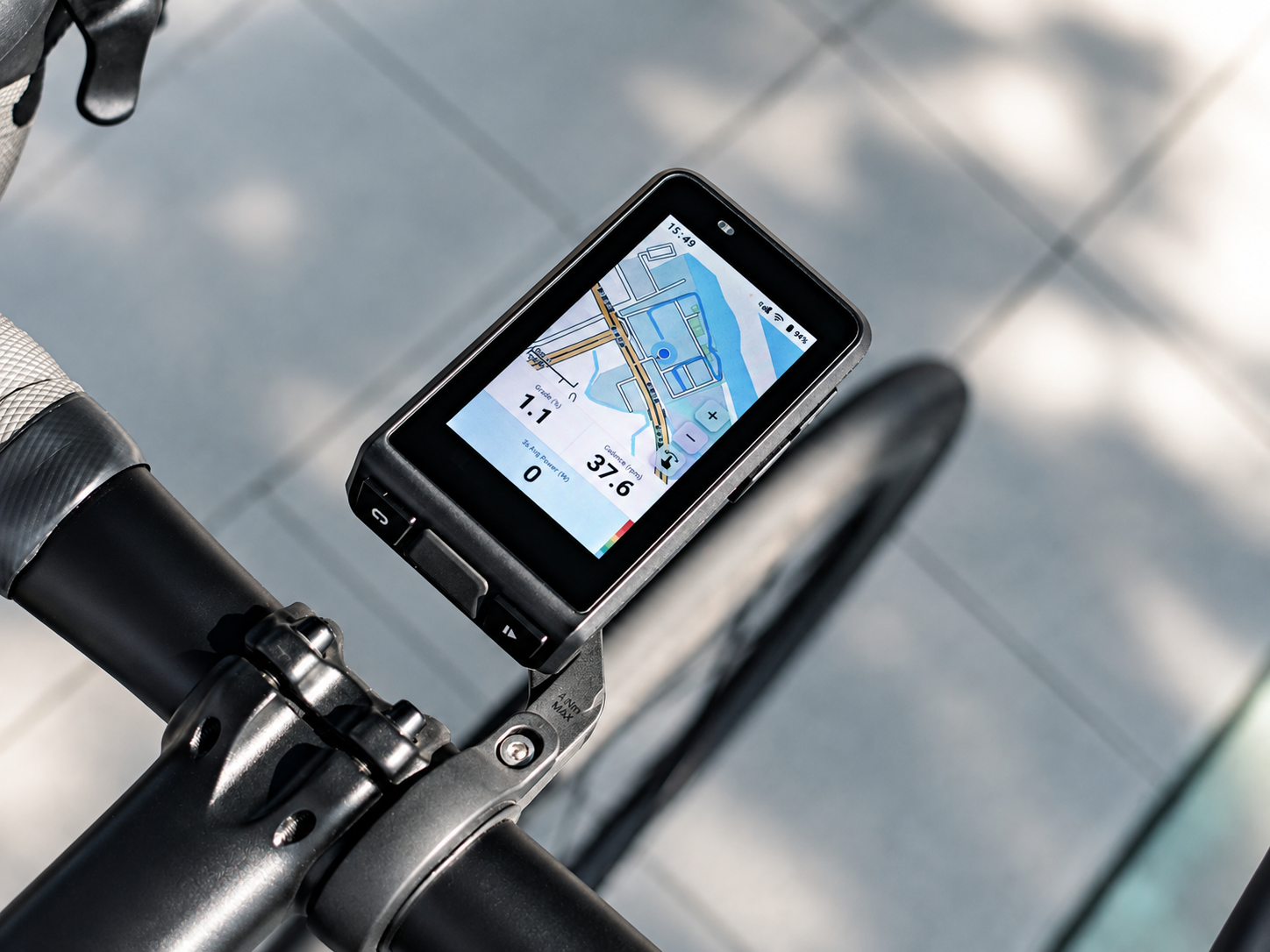
Discover ALPHA 800 and join the list to secure the best launch price.
DISCOVER ALPHA 800 →Best launch price · Early updates · Be first to know