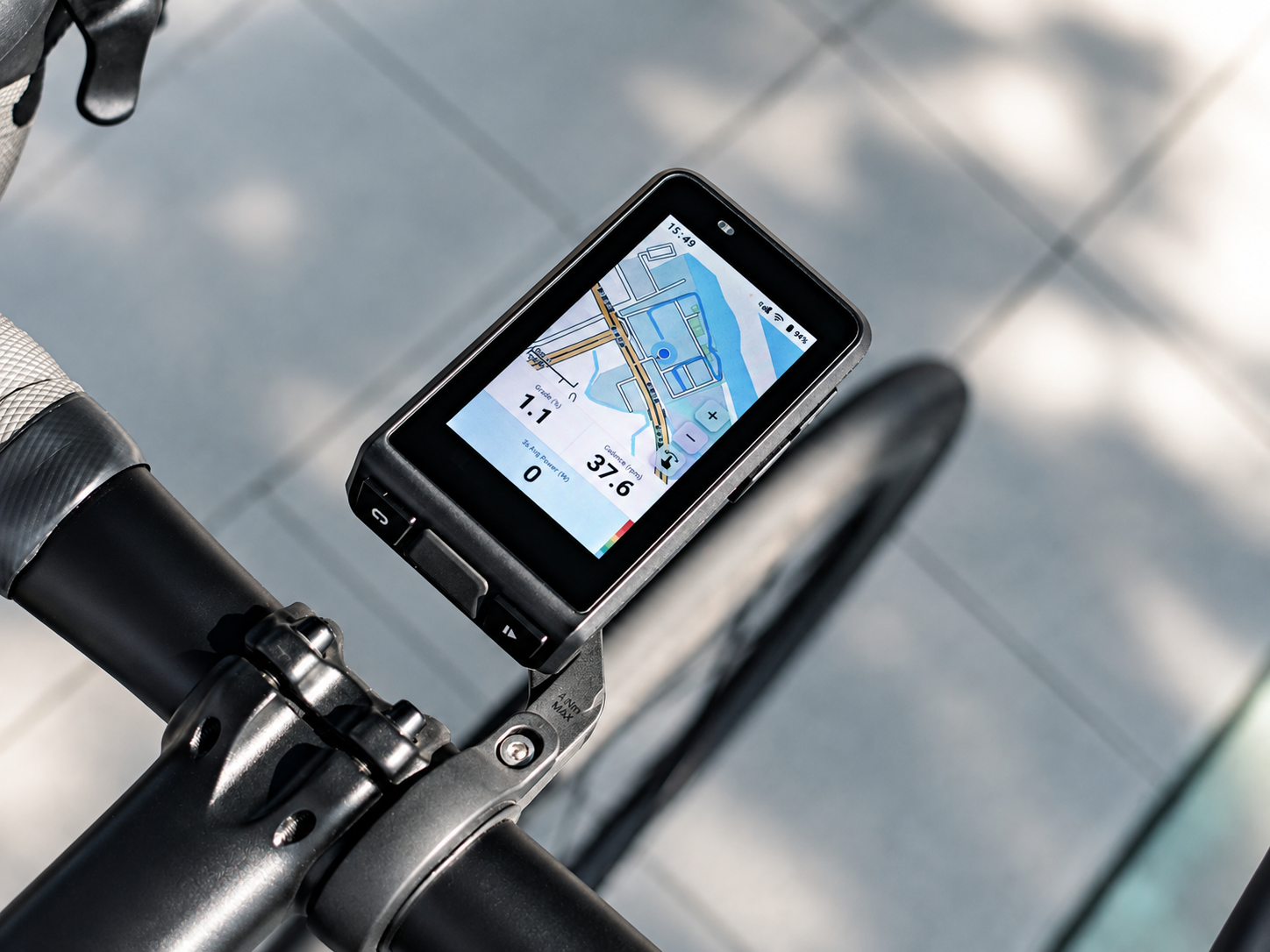
XPOWER Crank Arm Power Meter: Why can’t the power meter connect to the bike computer and the app?
Please troubleshoot according to the following steps:
1.Charge the power meter with the charging cable for 2 seconds, then unplug it.
Try to connect the power meter with the APP again and click “Calibrate” on the connection interface.
2.Check if the battery level after calibration is lower than 10% .
-If the battery level is lower than 10%, it indicates that the power meter’s battery will be exhausted. Please fully charge it before use.
-If the battery level is higher than 10%, please provide the purchase record or power meter ID and contact the after-sales customer service for assistance.
📧 Email:
Support: info@xcadey.com
Sales: sales@xcadey.com
Partnership: xcadeyofficial@outlook.com
💬 WhatsApp:
+86 18924197081
🌍 WeChat:
xcadey
⚠️ Do not send it back without approval.