XPOWER Crank Arm Power Meter: How to use the power meter crank arm correctly?
1. Usage Method of Power Meter Dual-side (2XPOWER)
① Activate the Power Meter
Before riding, rotate the crank backward several turns to wake the power meter for a few laps or ride for 1-2 minutes to successfully activate the power meters on both the left and right sides.
② Connect to the Bike Computer
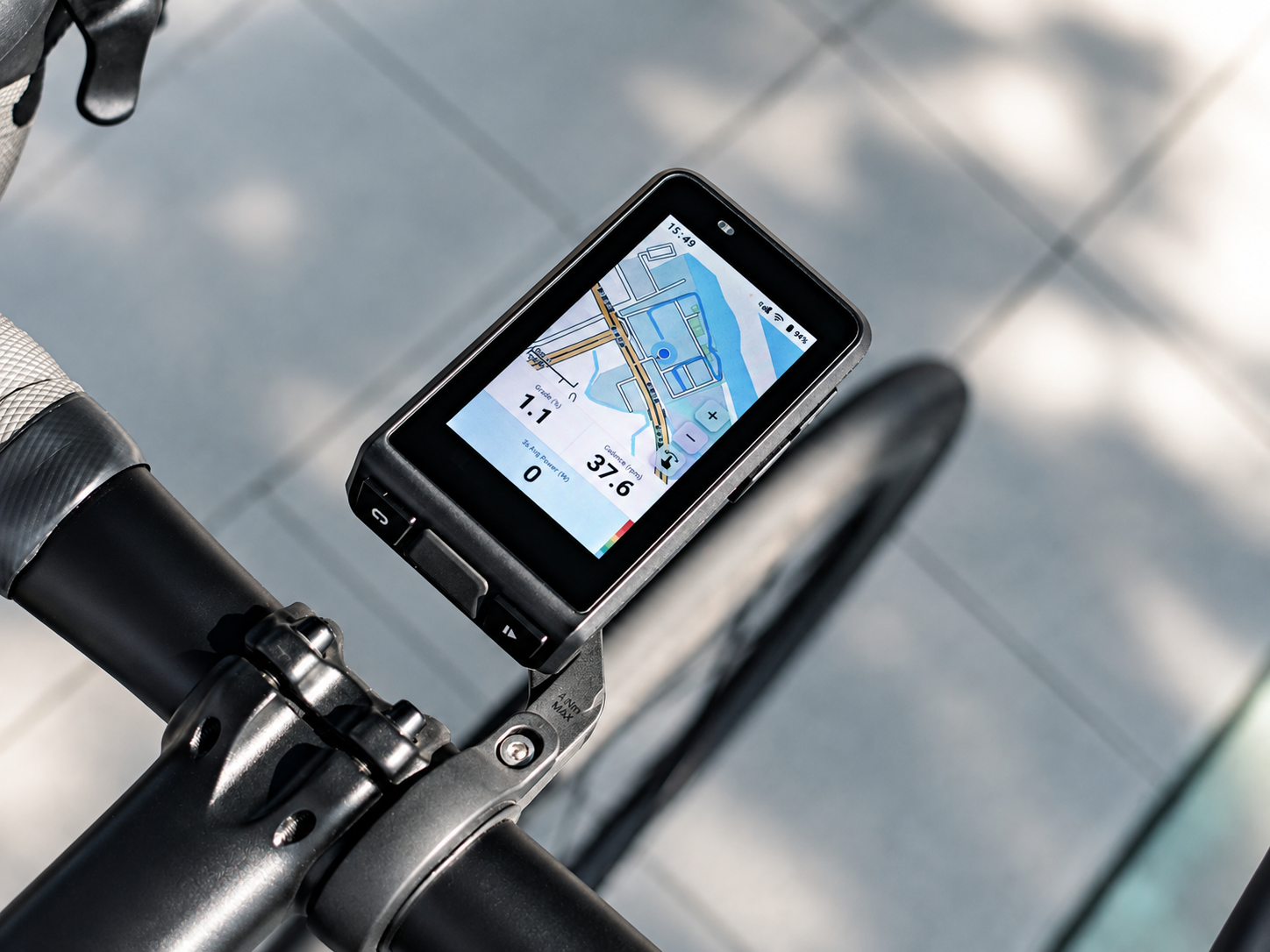
After activation, connect the power meter with the bike computer.
③ Perform Calibration
Keep the bicycle stationary;
Keep the cranks at 90° vertical (left crank up, right crank down);
Perform calibration in the bike computer.
④ You can ride normally after successful calibration.
Method for Calibration Failure
-If calibration fails, it’s usually because the right side is not activated.
-Please ride a few laps, then stop and try calibrating again.
If calibration still fails after multiple attempts
-It is recommended to charge the power meter for 3 seconds, then unplug it to activate.
-Then connect to the APP to check the battery level after calibration;
-If the battery level is insufficient, fully charge it before use;
-If the battery level is normal but calibration still fails, please contact after-sales customer service.
2. Usage Method of Power Meter Single-side (XPOWER)
① Before riding, rotate the crank backward several turns to wake the power meter for a few laps or ride for 1-2 minutes to activate the power meter.
② Connect the power meter with the bike computer.
③ Keep the bicycle stationary and the crank vertical (left crank up, right crank down), then perform calibration in the bike computer.
④ You can start riding after successful calibration.
Troubleshooting for Calibration Failure:
-Delete the exist power meter record from the bike computer;
-Re-add and reconnect the power meter;
-Try calibration again.
I”I installed my Shimano 105 7100 crankset 170 mm with the XCadey power meter, and I am getting really low power data compared to my Giant power meter. The difference is around 60 watts over a 40 km ride in the same conditions. I updated the firmware and calibrated it several times. Is there anything I can adjust during/from the calibration? Thanks!”
Marc Fournier
New Brunswick
Hello, if you have any after-sales or usage-related issues, please contact our customer service for assistance. WhatsApp: 18924197081