LED Indicator Status Explained (Firmware V109)
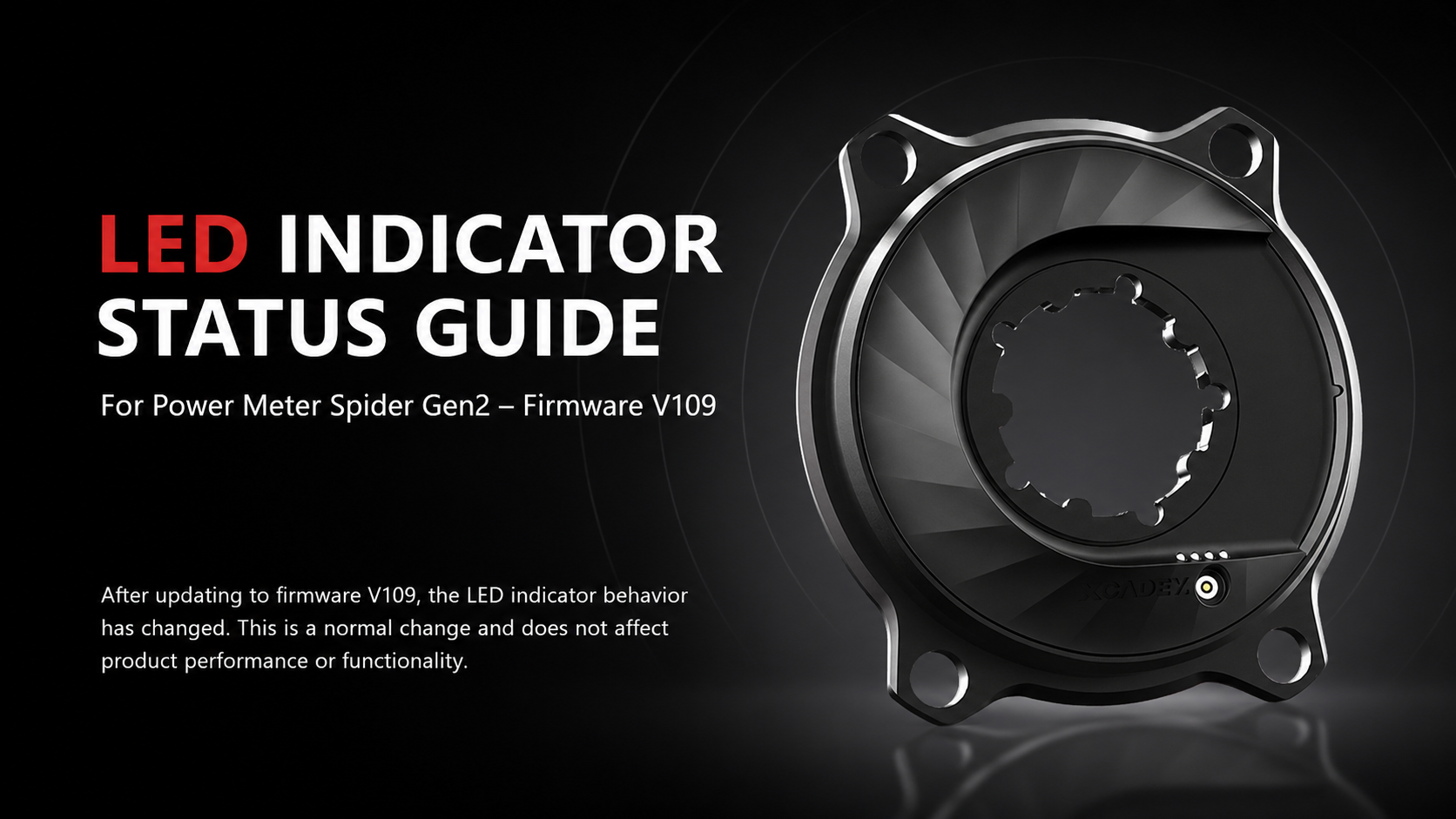
This article explains the LED indicator behavior of the XCADEY Power Meter Spider Gen2 after the firmware V109 update.
If you notice changes in LED patterns, this guide will help you understand all indicator statuses clearly.
Overview
After updating to firmware V109, the LED indicator logic has been updated to improve status clarity during operation.
These changes are normal and do not affect:
Power-on Self-test & Battery Indication
When the device is powered on, the LEDs perform a self-test:
Power-on sequence
LED1 → LED2 → LED3 → LED4
(Sequential flashing for 1 second)
After that, LEDs flash 3 times based on current battery level.
Battery level indicators
|
Battery Level |
LED Pattern |
|
0% – 25% |
LED1 flashes |
|
25% – 50% |
LED1 + LED2 flash |
|
50% – 75% |
LED1 + LED2 + LED3 flash |
|
75% – 100% |
All LEDs flash |
Operation Status Indicators
The LED also reflects different device working states:
Normal operation
LED4 flashes every 10 seconds
Bluetooth active (back-pedal wake-up)
LED4 flashes every 0.5 seconds
Calibration mode
LED3 flashes rapidly
Charging Status
Charging
All 4 LEDs flash in a breathing pattern
Fully charged
All LEDs turn OFF automatically
Important Notes
The LED behavior changes in firmware V109 are normal system updates.
They do not indicate:
Device malfunction
Connection issues
Battery failure
If your device is working normally with your bike computer or app, no action is required.
FAQ
Q1: Is the LED change a malfunction?
No. It is a normal firmware behavior update in V109.
Q2: Does it affect power data accuracy?
No. Power measurement is not affected.
Q3: Do I need to downgrade firmware?
No. Firmware V109 is stable and safe to use.
Support
If you have any questions, please contact:
XCADEY Support Team
Official website support page
After-sales service email
Hi, I recently updated my XPOWER-S Gen 2 to firmware V109 (unit XPOWER-S 26541).
After the update, I noticed that the power meter did not appear to enter sleep mode when the bike was left stationary for several hours. The LED continued to blink intermittently, and the device remained visible and available for connection in the XCADEY Utility app even after being at rest for over an hour.
With firmware V41, the device does enter sleep mode normally and is no longer visible in the app after being idle for an extended period. With V109, I also experienced approximately 10% battery drain over two days while the bike was not being used.
I therefore rolled back to V41. Could you please confirm whether this behavior is expected with V109 or if it may be a firmware issue?
Hello, you can roll back to firmware version 41 and continue using it. We will continue to optimize firmware version 109. Thank you for your support and for using our product.
Hello,
I see Firmware Version 110 on my device.
What is new with this latest version
Hello, firmware version 110 is currently available for testing, so you can update to it and give it a try. You can also roll back to your current firmware version afterward if needed. Firmware 110 mainly focuses on improving cadence stability.