XCADEY BIKE COMPUTER: HOW DO I CONNECT SENSORS TO THE ALPHA 800?
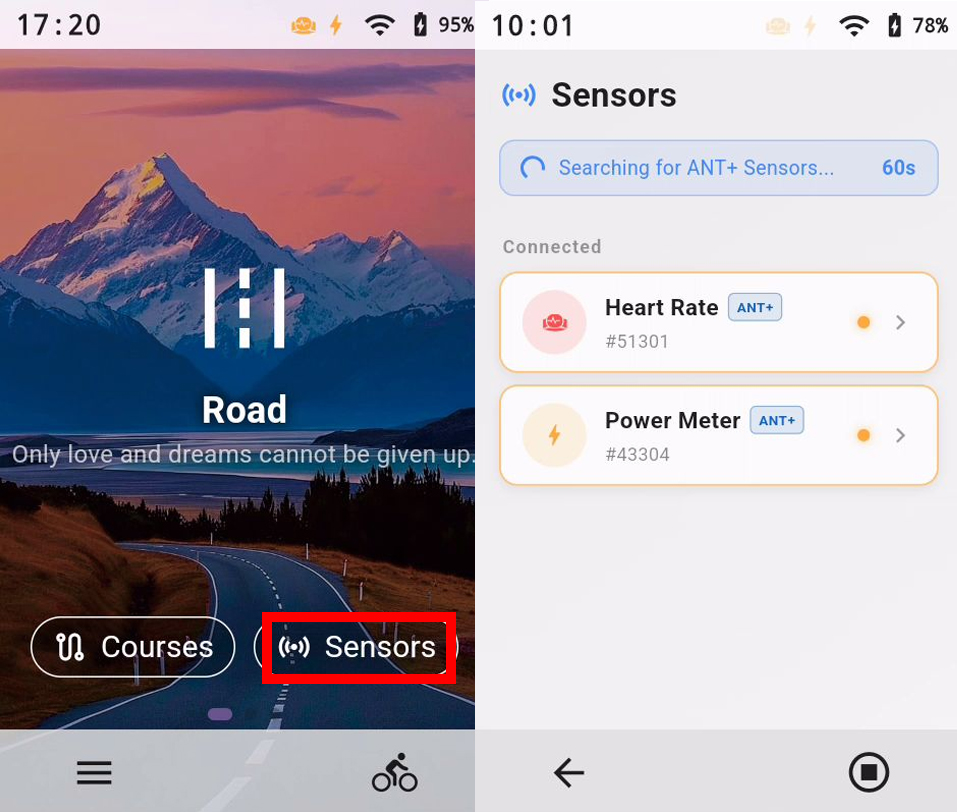
Go to the “Sensors” page, turn on the ANT+ switch in the upper-right corner, then refresh and search for nearby devices. Select the sensor you want to pair. When “Connected” is displayed, pairing is complete. Before each ride, you can select the sensors you want to use from the ride preparation screen.